How Do We Keep the Incident Review Limited to Only the Needed Time Window?
In modern clinics—whether urgent care centers or specialty suites—video surveillance (CCTV) plays a crucial role in maintaining security, https://highstylife.com/is-a-wide-shot-better-than-a-close-up-for-clinic-waiting-room-security/ verifying incidents, and protecting staff and patients. But with great power comes great responsibility. One of the biggest privacy pitfalls I’ve seen in running front desks is how easily incident reviews balloon beyond what’s necessary, leading to over-collection of data, exposure of unrelated personal information, and compliance headaches.
This post digs into practical methods for keeping your CCTV incident reviews purpose limited and explores tools and strategies to ensure that only the needed time window is reviewed—the period relevant to the specific incident—without encouraging casual browsing through footage. Whether you’re managing video storage policies or training front desk staff, these insights can help protect patient privacy and clinic workflows alike.
Why Limit Incident Reviews to the Needed Time Window?
Before diving into technology and setups, let’s ask the most important operational question:
What incident are we trying to solve?
Too often, video review requests sound like, “Just play back some footage to see if anything looks off,” or “Let’s scan all recordings from last week, just in case.” This “just in case” mindset leads to:
- Reviewing excessive footage that captures unrelated patients, staff, and visitors
- Storing large amounts of footage beyond necessary retention periods
- Encouraging casual browsing, which can violate privacy policies and erode trust
Data minimization is a core principle: collect and review only what’s necessary to address the incident. This reduces storage costs, improves compliance with HIPAA and similar regulations, and respects everyone’s privacy.
Purpose-First Camera Justification
Purpose-limited review starts before the record button ever hits. The first step is ensuring each camera’s placement and setup are explicitly justified based on identified risks or needs. Here’s what to consider:
- Why is this camera here? For example, “Monitor entry/exit points for security and visitor flow” is different from “Monitor reception area for staff safety.”
- What specific incident types do we expect this camera to illuminate? Theft, aggression, patient falls, or equipment tampering?
- Can a focused camera angle reduce collecting unrelated data? For instance, pointing at hallways or doorways rather than patient check-in desks avoids capturing unrelated health info.
Documenting the purpose justifies both placement and the length of the incident clips you’ll allow during reviews. It also prevents “mission creep”—when cameras start serving unintended uses like performance monitoring or casual observation.
Effective Camera Placement to Avoid Over-Collection
Camera placement is the single biggest factor in preventing unnecessary data collection that overwhelms teams during review. Some practical tips:
- Avoid aiming cameras at monitors or paperwork: Reception desk cameras often catch computer screens or patient forms visible on counters. This unnecessarily exposes sensitive information. Check your angles periodically.
- Focus on general areas rather than personal spaces: Instead of zooming into staff workstations, aim at entryways or waiting areas to capture relevant flow instead of private moments.
- Limit field of view (FOV) through physical or digital means: Use lens covers, strategic placement, or software cropping—if available—to prevent capturing zones outside the intended scope.
Regularly reviewing your camera placements and documenting the field-of-view ensures clinics don’t accidentally collect more footage than needed. Keep a simple site map with snapshot references for training and auditing purposes.
Role-Based CCTV User Accounts: No More Shared Passwords
One glaring operational risk I’ve repeatedly encountered is the use of shared CCTV passwords accessible to multiple staff without differentiation. This leads to untraceable casual browsing, unauthorized data access, and compliance failures.
Instead, implement role-based CCTV user accounts with named staff access. Benefits include:
- Clearly tracking who viewed what footage and when (audit trails)
- Assigning limited privileges—for example, reception staff may view only incident clips while security managers can browse full archives per policy
- Encouraging accountability and reducing temptation for casual browsing
Make sure your CCTV system supports this—and if not, it’s a great reason to upgrade or seek outside solutions that integrate with your access control.
Gallio PRO: Visual Redaction on Premises to Protect Privacy
When reviewing footage, incidental capture of faces, badges, or paperwork is a privacy minefield. Even well-placed cameras sometimes record a patient or staff member’s face in a background corridor unintentionally.
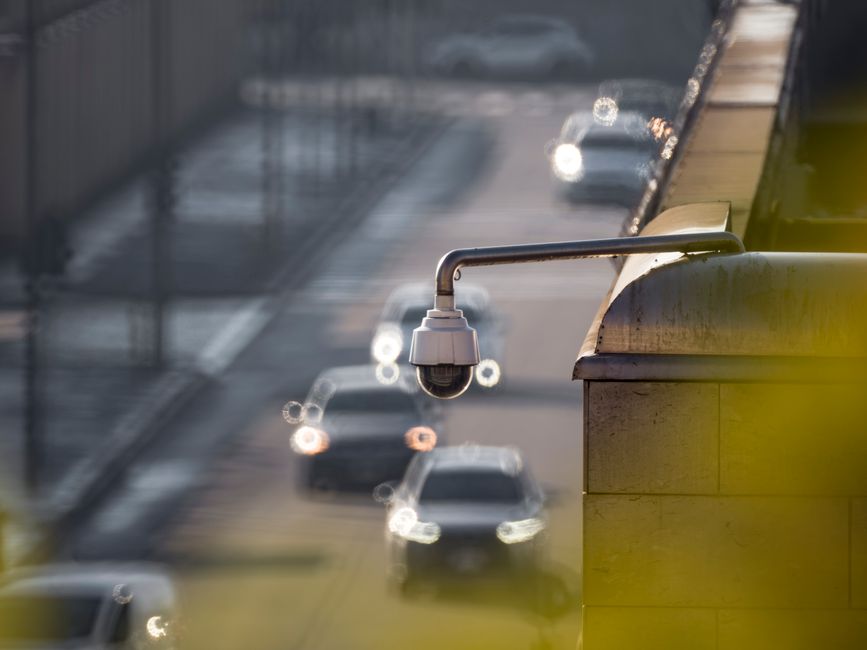
Gallio PRO offers on-premises visual redaction and anonymization functionality, allowing staff to clip and share https://smoothdecorator.com/what-does-gallio-pro-blur-automatically-in-security-footage/ only the relevant portion of the incident while blurring or masking unrelated invisible faces or data—directly on your local system. Benefits include:
- Ensuring clips comply with privacy regulations before sharing
- Speeding up incident reviews by highlighting only suspicious activity or relevant persons
- Keeping sensitive video data off cloud or external servers, reducing breach risk
Using Gallio PRO or similar tools means your purpose-limited review clips are consumption-ready—without revealing extraneous or sensitive information.
Clip Only the Relevant Portion: Practical Steps
In busy clinics, it’s tempting to scan or download entire shifts worth of footage “just in case.” Here’s how to clip smartly:
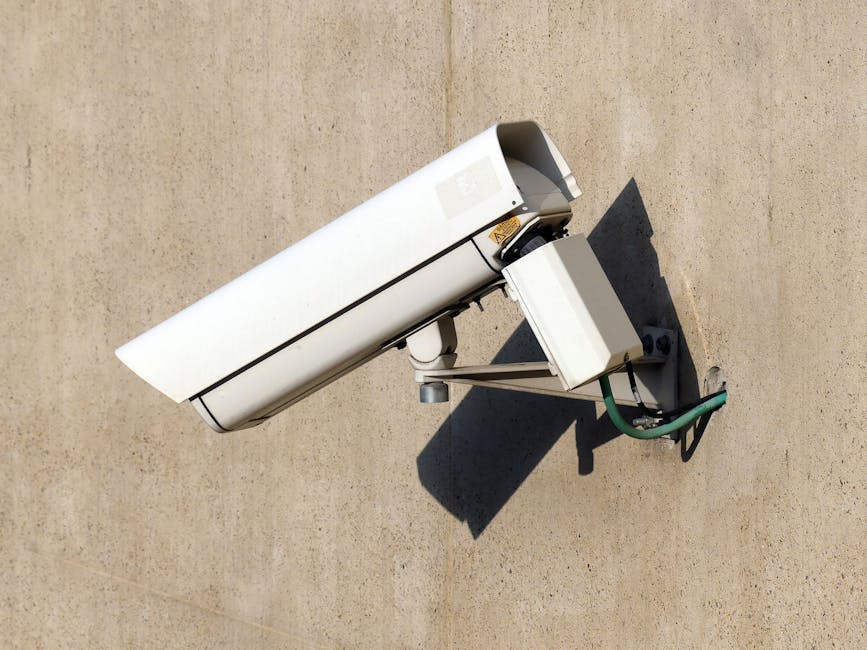
- Identify exact incident start and end times: Ask staff for timestamps or approximate windows.
- Use software tools to define clip range tightly: Include only the incident and a brief buffer before/after to provide context, but no more.
- Apply redaction masks as needed: Blur out faces, badges, or screens visible but irrelevant to the incident.
- Document the clip selection rationale and timestamps: Keep a short incident note for auditing.
- Delete or archive full footage per your retention policy: Avoid downloaded footage lingering unprotected.
Avoid Casual Browsing: Staff Training and Policy Design
Technology and camera placement are necessary but not sufficient to stop casual video browsing.
- Training clearly communicates the purpose-limited approach: footage access is only for specific incidents, not performance review or curiosity.
- Maintain and enforce incident request and approval workflows, requiring case notes on relevance.
- Periodic audits of access logs from role-based accounts identify out-of-policy footage views.
- Remind staff regularly why data minimization protects patients, staff, and the clinic’s reputation.
Sample Incident Note Template
Here’s a brief template staff can use to document the reason for each footage review:
Field Example Entry Incident Type Patient fell in waiting area Camera(s) Reviewed Camera 2 (waiting room angle) Time Window 3:15 pm - 3:25 pm (includes 5-minute buffer before/after) Clip Description Patient slip and staff response only; faces of unrelated patients blurredSummary
Keeping incident reviews purpose limited and time window restricted takes a multi-pronged approach:
- Camera placement: minimize collecting unrelated sensitive data
- Purpose-first justification: document why each camera exists and what incidents it aims to capture
- Role-based access: ensure named user accounts restrict and log CCTV review
- Clip tightly: only include relevant footage, masking private areas as needed with tools like Gallio PRO
- Train staff: reinforce need-to-know review and avoid casual or exploratory browsing
By focusing on these best practices, your clinic will uphold privacy, stay compliant, and make incident reviews short, effective, and meaningful.
Have questions or want help tailoring your video workflows? Drop a comment or reach out—we’ve got you covered.